Insert SIM Cards
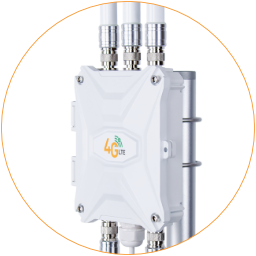
The outdoor 4G router uses Nano (4FF) SIM card to connect to mobile internet networks.
Preparations
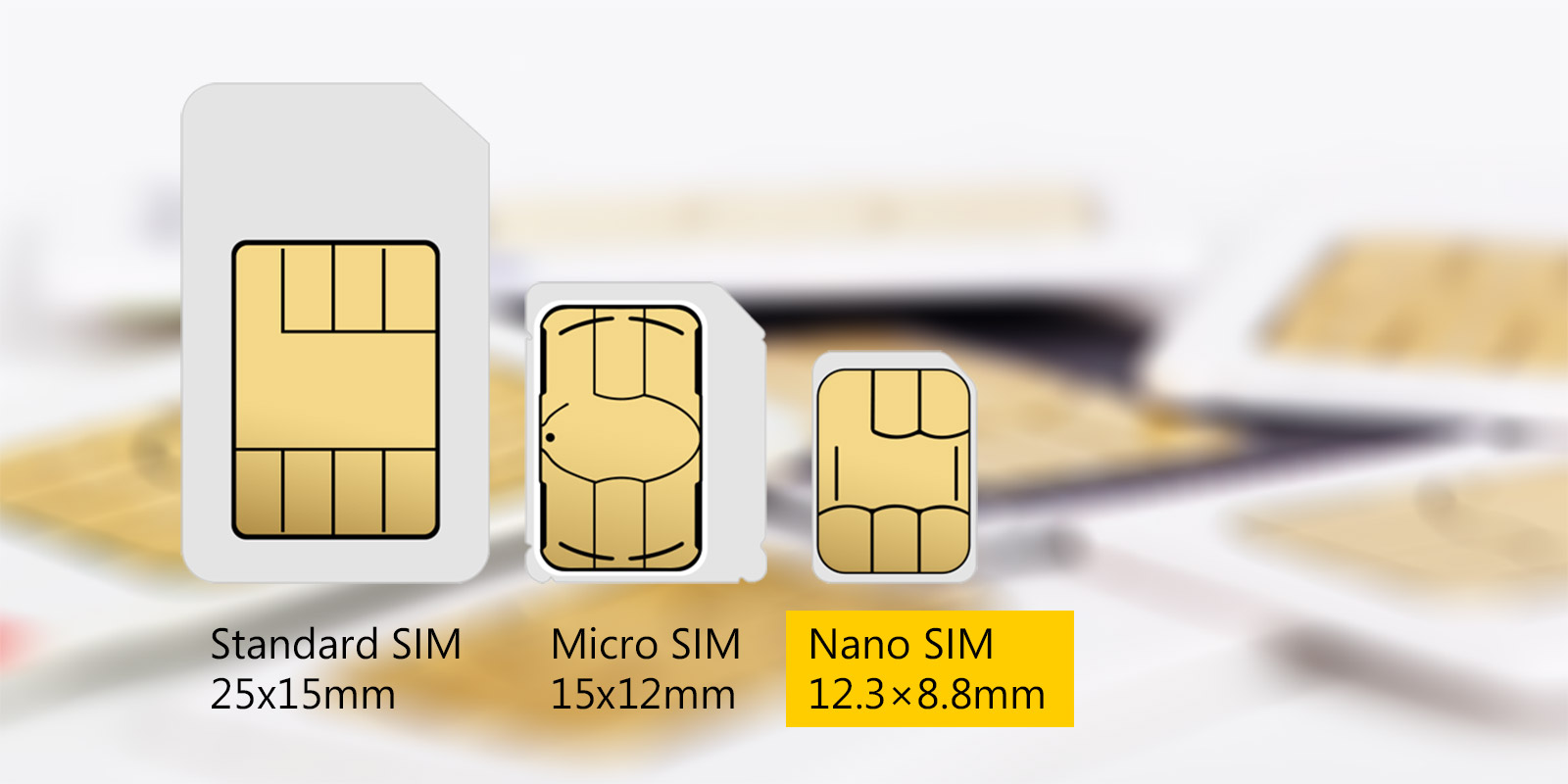
Section titled “Preparations”Use a Nano-size SIM card (12.3 x 8.8 mm) in the router. If it’s a new SIM card, please follow the provider’s instructions to activate it before inserting it into the router.
Insert A SIM Card
Section titled “Insert A SIM Card”Turn off the router before inserting or removing a SIM card.
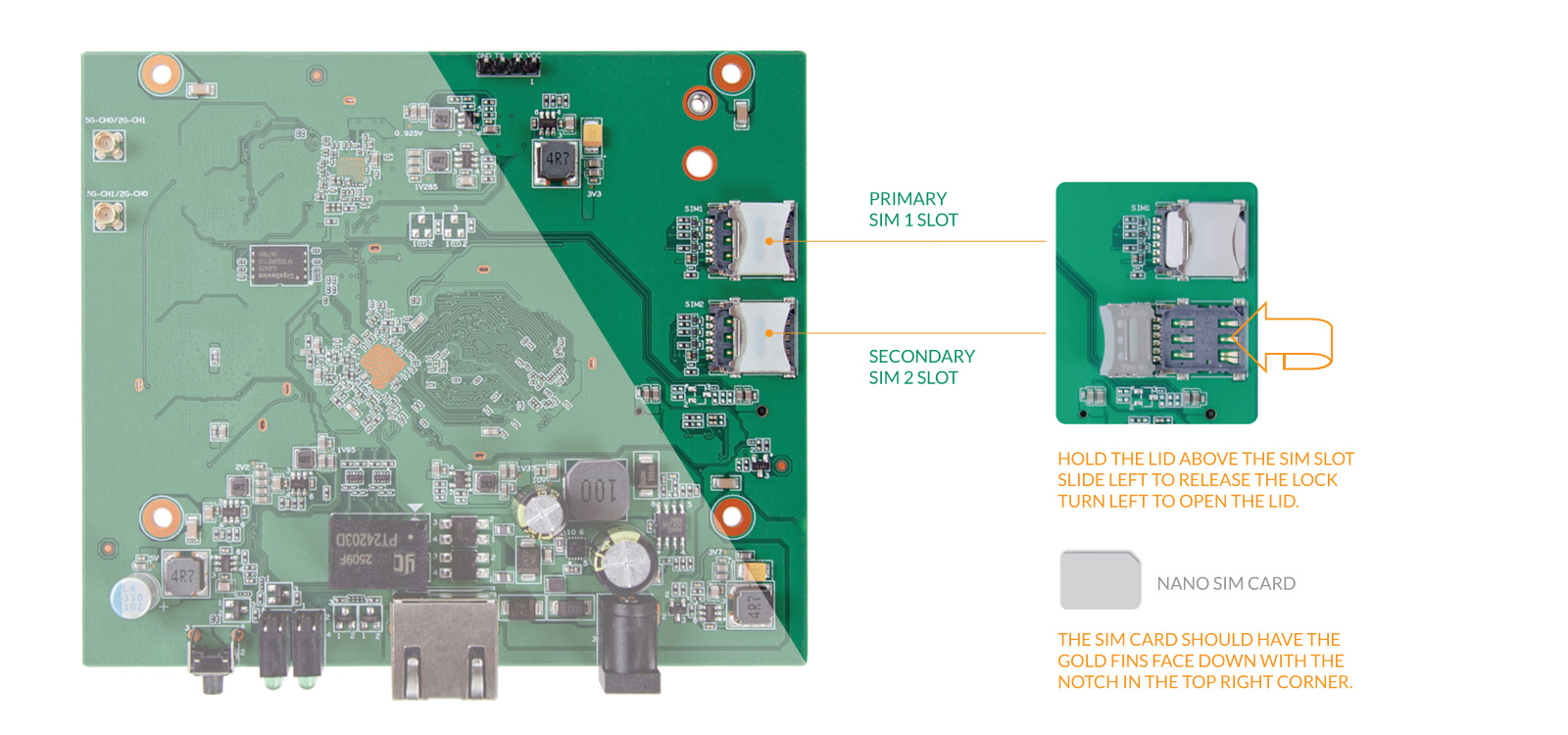
- Locate the SIM1 and SIM2 slots in the top right corner of the motherboard.
- Hold the SIM card slot lid and slide it to the left to open the cover.
- Put a Nano SIM card in the SIM1 slot.
There is only one correct way to insert the SIM card: the gold pins should face down, and the notch should be in the top-right corner. - Cover the SIM lid, then slide it to the right to lock it.
Insert SIM Card in SIM1 SIM2 Slots On The Router